Nearly 400 high school students, many considering careers in health care, spent part of Friday at UConn Health’s 10th Clinical Career Day.
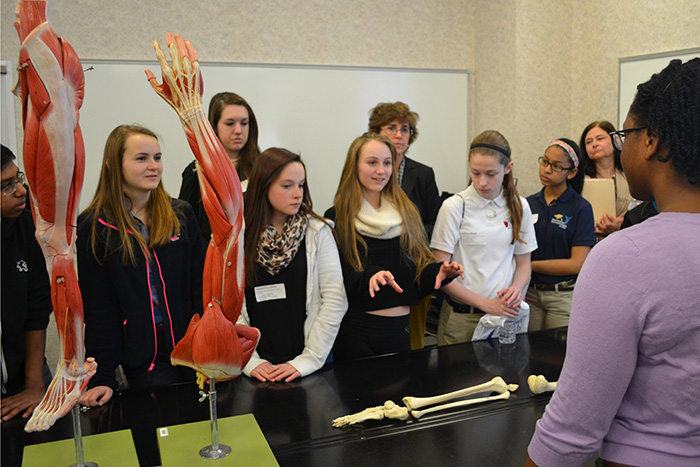
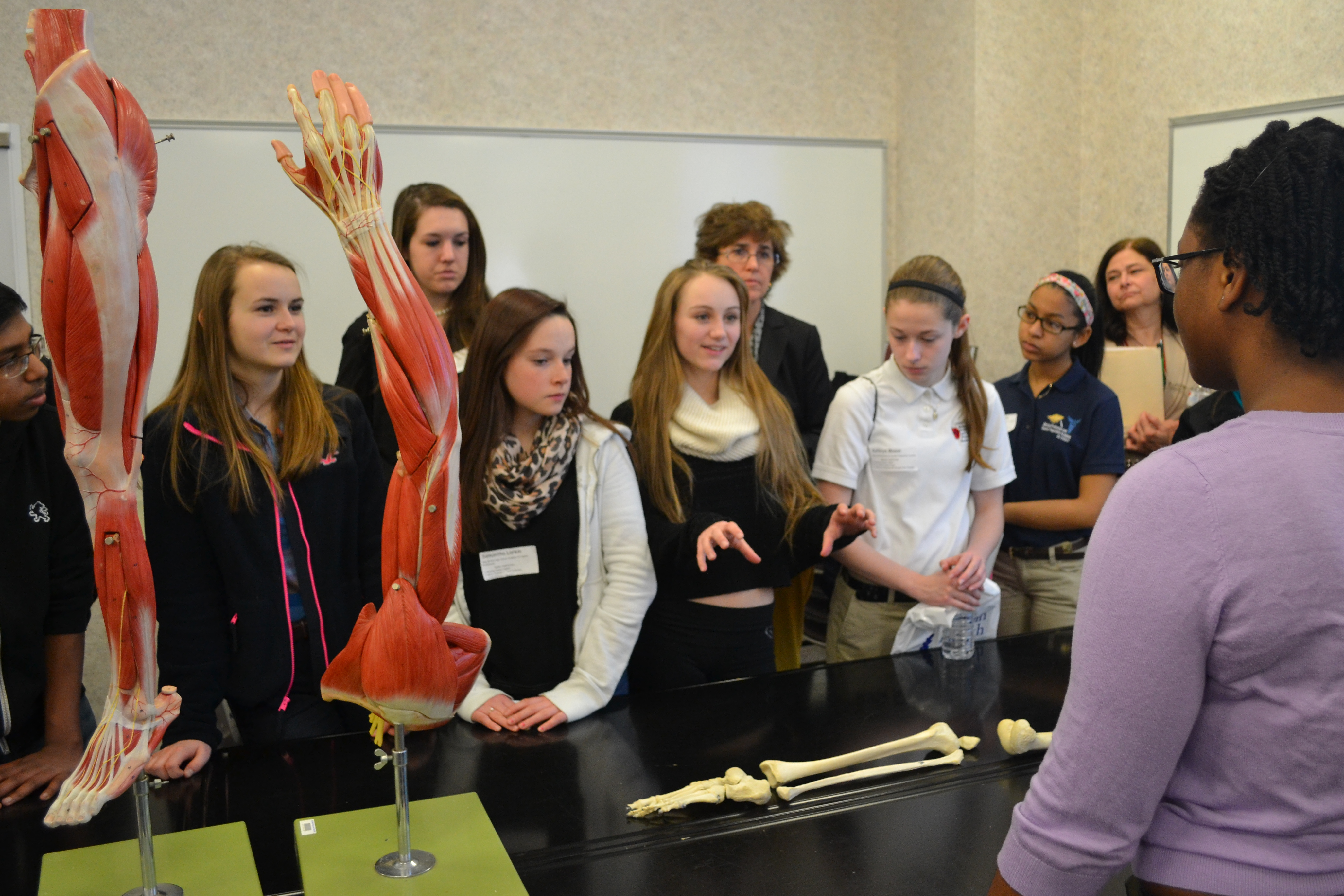
First-year UConn medical student Alexis Thompson speaks to visiting high school students about gross anatomy at UConn Health's Clinical Career Day on March 28, 2014. The students, from left, are Oliwia Szok (New Britain High School), Hannah McKee (Sports and Medical Sciences Magnet School, Hartford), Samantha Larkin and Taylor Smith (New Britain High School), and Kathryn Mason and Rachell Maldonado (CREC Medical Professions and Teacher Preparation Academy, Windsor). (Chris DeFrancesco/UConn Health Photo)
First-year UConn medical student Alexis Thompson speaks to visiting high school students about gross anatomy at UConn Health’s Clinical Career Day on March 28, 2014. The students, from left, are Oliwia Szok (New Britain High School), Hannah McKee (Sports and Medical Sciences Magnet School, Hartford), Samantha Larkin and Taylor Smith (New Britain High School), and Kathryn Mason and Rachell Maldonado (CREC Medical Professions and Teacher Preparation Academy, Windsor). (Chris DeFrancesco/UConn Health Photo)
Nearly 400 high school students, many considering careers in health care, spent part of Friday at UConn Health’s 10th Clinical Career Day.
The annual program draws students from throughout the state and some from Massachusetts—this year, 31 schools in all—to meet professionals in medicine, dental medicine, nursing, pharmacy, and other health care fields such as social work, paramedics, and laboratory medicine.
The cafeteria temporarily served as a career fair. When the students were done visiting the booths, they broke into smaller groups and headed to classrooms. Open heart surgery, gross anatomy, internal medicine, physical therapy and diagnostic imaging were just some of the topics offered.
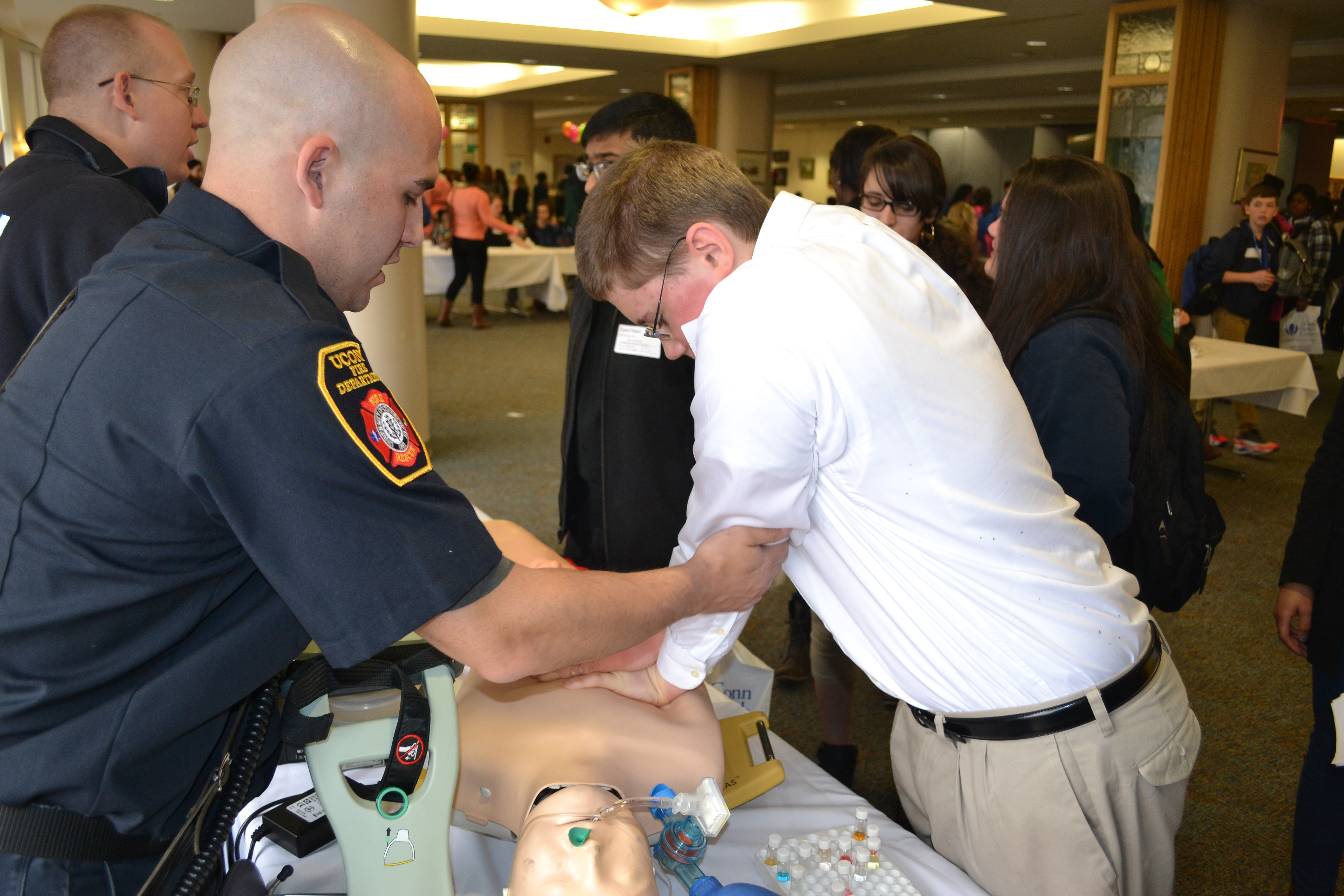
Newington High School senior Mariah Mendes tries on the firefighter gear, with assistance from UConn Health firefighter paramedic Eric Colantonio and firefighter EMT Leslie Prior. Mariah says she’s going to the University of Rhode Island next year to study nursing. (Chris DeFrancesco/UConn Health Photo)UConn medical students Amy Blodgett and Alexander Werne explain the UConn School of Medicine’s Urban Health Scholars program to students from Bloomfield’s Metropolitan Learning Center. The students, from left, are Victoria Peluso, Jada White, Troy Mitchell and Samuel Dweh, all juniors. (Chris DeFrancesco/UConn Health Photo)Liam Curran, a freshman at Lewis Mills High School in Burlington, gets some pointers on chest compressions from UConn Health firefighter paramedic Thomas Paranzino. Liam says he’s interested in becoming a paramedic or EMT, and is a volunteer firfefighter in Harwinton. (Chris DeFrancesco/UConn Health Photo)Ellington High School juniors Allison Letizia (right) and Kelsey Sgarlata meet with UConn Health physical therapist Karen Wojcik. Kelsey says she’s interested in getting into pediatric physical therapy, while Allison says she has a number of potential career interests in health care. (Chris DeFrancesco/UConn Health Photo)
Our websites may use cookies to personalize and enhance your experience. By continuing without changing your
cookie settings, you agree to this collection. For more information, please see our University Websites Privacy Notice.
What are cookies?
Web cookies (also called HTTP cookies, browser cookies, or simply cookies) are small pieces of data that websites store on your device (computer, phone, etc.) through your web browser. They are used to remember information about you and your interactions with the site.
Purpose of Cookies:
Session Management:
Keeping you logged in
Remembering items in a shopping cart
Saving language or theme preferences
Personalization:
Tailoring content or ads based on your previous activity
Tracking & Analytics:
Monitoring browsing behavior for analytics or marketing purposes
Types of Cookies:
Session Cookies:
Temporary; deleted when you close your browser
Used for things like keeping you logged in during a single session
Persistent Cookies:
Stored on your device until they expire or are manually deleted
Used for remembering login credentials, settings, etc.
First-Party Cookies:
Set by the website you're visiting directly
Third-Party Cookies:
Set by other domains (usually advertisers) embedded in the website
Commonly used for tracking across multiple sites
Authentication Cookies
Authentication cookies are a special type of web cookie used to identify and verify a user after they log in to a website or web application.
What They Do:
Once you log in to a site, the server creates an authentication cookie and sends it to your browser. This cookie:
Proves to the website that you're logged in
Prevents you from having to log in again on every page you visit
Can persist across sessions if you select "Remember me"
What's Inside an Authentication cookie?
Typically, it contains:
A unique session ID (not your actual password)
Optional metadata (e.g., expiration time, security flags)
Analytics Cookies
Analytics cookies are cookies used to collect data about how visitors interact with a website. Their primary purpose is to help website owners understand and improve user experience by analyzing things like:
How users navigate the site
Which pages are most/least visited
How long users stay on each page
What device, browser, or location the user is from
What They Track:
Some examples of data analytics cookies may collect:
Page views and time spent on pages
Click paths (how users move from page to page)
Bounce rate (users who leave without interacting)
User demographics (location, language, device)
Referring websites (how users arrived at the site)
Opt Out
Here's how you can disable cookies in common browsers:
1. Google Chrome
Open Chrome and click the three vertical dots in the top-right corner.
Go to Settings > Privacy and security > cookies and other site data.
Choose your preferred option:
Block all cookies (not recommended, can break most websites).
Block third-party cookies (can block ads and tracking cookies).
2. Mozilla Firefox
Open Firefox and click the three horizontal lines in the top-right corner.
Go to Settings > Privacy & Security.
Under the Enhanced Tracking Protection section, choose Strict to block most cookies or Custom to manually choose which cookies to block.
3. Safari
Open Safari and click Safari in the top-left corner of the screen.
Go to Preferences > Privacy.
Check Block all cookies to stop all cookies, or select options to block third-party cookies.
4. Microsoft Edge
Open Edge and click the three horizontal dots in the top-right corner.
Go to Settings > Privacy, search, and services > cookies and site permissions.
Select your cookie settings from there, including blocking all cookies or blocking third-party cookies.
5. On Mobile (iOS/Android)
For Safari on iOS: Go to Settings > Safari > Privacy & Security > Block All cookies.
For Chrome on Android: Open the app, tap the three dots, go to Settings > Privacy and security > cookies.
Be Aware:
Disabling cookies can make your online experience more difficult. Some websites may not load properly, or you may be logged out frequently. Also, certain features may not work as expected.